
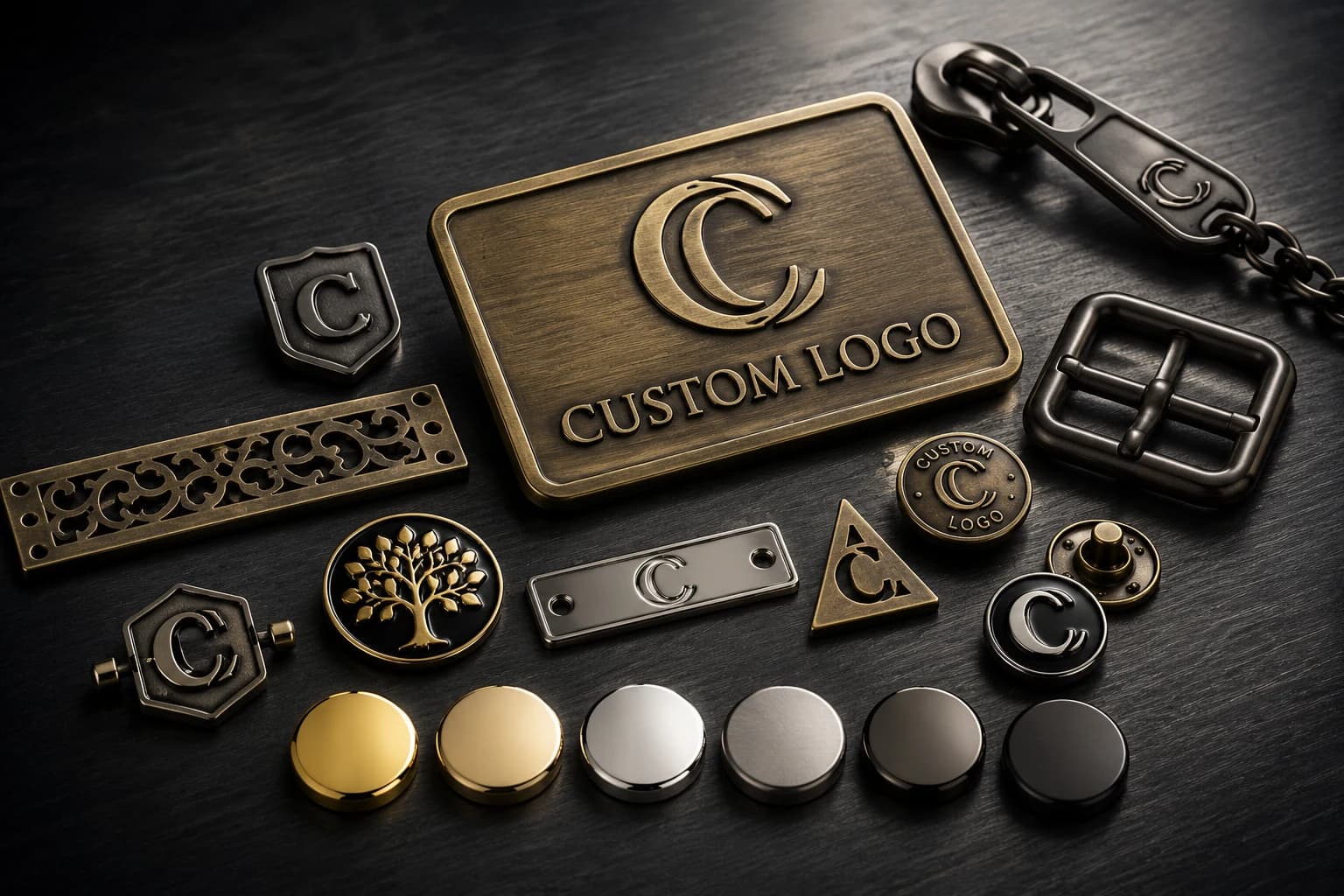
A designer-brand customer once sent us an SVG and said it was vector-ready — just open the mold. On screen the logo looked clean. We zoomed to 800% and it fell apart: not a smooth outline, but thousands of tiny anchor points and broken path fragments stitched into a mesh. AI design tools generate a lot of these 'fake vectors,' and most people sending them have no idea the file isn't what it claims to be.
Cast that file as-is and the logo comes out grainy, with strokes that break up and edges you cannot read. The fix is not complicated, but it has to happen before tooling — not after the first sample disappoints everyone.
What a factory actually needs is a clean vector file (AI, EPS, PDF or a true SVG), consistent line weights, and a note on which parts are raised and which are recessed. If all you have is a JPG or a screenshot, that is workable too — it just changes the first step. This guide covers what makes artwork castable, where small detail fails on metal, and what we do when a file is not production-ready.
Why a clean vector beats a good-looking file
Die casting and laser engraving both follow paths. A real vector defines the logo as clean outlines the tooling can trace exactly; a bitmap (JPG, PNG, screenshot) is just colored pixels, so any edge has to be redrawn before it can become a mold. A file can look perfect on screen and still have nothing usable underneath.
The trap right now is AI-generated SVG. The file extension says vector, but inside it is often a dense mesh of fragments rather than a single clean contour. Opened at high zoom, the smooth logo turns into a web of stray points. Run it straight to casting and the relief comes out rough and inconsistent. So the first thing we check on any logo plate file is not how it looks at 100% — it is what the paths actually are underneath.
Line thickness and small text: where metal loses detail
Fine detail that reads fine on a monitor does not always survive in zinc. A womenswear brand once specced a logo plate with 0.3 mm lines and 2 mm text for a 'minimal, refined' look. We flagged that casting would not hold detail that fine, but they wanted to try it as drawn. The first sample came back with half the thin lines broken and the small letters running together — clear on a screen, illegible in metal.
We thickened the lines to about 0.6 mm, took the text up to roughly 3.5 mm in a heavier weight, deepened the relief slightly for contrast, and moved to a rack-plated finish to keep the detail crisp. The second sample read cleanly, and that brand now runs its full hardware range with us. The lesson we pass on: check line and text size against the process before the mold, not after.
In our experience, these are safe starting points for a cast zinc alloy logo plate:
- Line width: around 0.5 mm and up tends to hold cleanly; hairlines below that often break
- Text height: roughly 3 mm and taller stays legible, ideally in a bolder weight
- Relief depth: about 0.2-0.5 mm usually gives readable contrast on most logos
- Laser engraving can go a little finer on lines; stamping sits in between
Raised, recessed, or both — mark it clearly
The same logo can be built as a raised relief, a recessed (debossed) detail, or a mix of the two, and each pulls the mold in a different direction. A file that does not say which is which leaves the factory guessing, and a guess at this stage is expensive to undo.
The simplest way to communicate it is a clear black-and-white separation showing what sits proud of the surface and what drops below it. If color filling is part of the look, the recessed areas also need enough depth and width to actually hold the fill — something worth confirming on the artwork before tooling rather than discovering on the sample.
The file problems we see most often
Three file types account for most of the cleanup work before a logo plate can be sampled.
First, the AI-generated 'fake' SVG described above — vector in name, broken mesh in practice. We merge the fragmented paths, strip the redundant anchor points, and redraw the outer and inner contours as clean lines.
Second, the low-resolution JPG or screenshot. Plenty of early-stage brands have no original design file — only a logo pulled from their website or social media at 72 dpi, all jagged edges once you enlarge it. Rather than turn the project away, we redraw the logo as a proper vector from the reference, rebuild the proportions and detail, and often prepare a couple of line-weight versions for the customer to choose from.
Third, the PDF with an embedded bitmap. It opens like a vector, but the logo inside is a flattened image that cannot be edited — this is the single most common problem file we receive. We extract the image, trace it back to vector outlines, convert any live text to outlines, merge overlapping paths, and clean up stray layers.
How we get a file ready before sampling
We keep in-house designers on staff specifically to handle artwork, regardless of order size. Their job is to turn whatever arrives into something castable: rebuild a proper vector from a JPG, untangle a fake-SVG mesh, extract and redraw an embedded bitmap, adjust line and text size to the process limits, and set the raised-versus-recessed separation. Before anything goes to tooling, we send back a marked-up proof showing exactly what we changed, so nothing is altered without the customer signing off.
In a typical month we handle on the order of 150 incoming files, and in our experience most need some level of cleanup before they are ready to cast. Since we started checking every file up front, the share that clears sampling on the first round has gone from roughly half to the large majority — almost always because a file problem was caught before the mold, not after. When the exact tone of a plated finish matters, we still recommend approving a finish sample before bulk production, since that is the other place results drift from expectations.
What to send so the first quote is accurate
You do not need a perfect file to start — you need an honest one. Send the best artwork you have, the intended size of the plate, and a note on the finish and mounting if you know them. If the file is only a JPG or a screenshot, say so; it tells us the first step is a redraw rather than a straight check.
The clearer the starting point, the closer the first quote and the fewer sampling rounds it takes to land the part you actually want.
- Logo artwork in the best format you have (AI, EPS, PDF, SVG, or a clear image)
- Target plate size, and the smallest text or line in the logo if you know it
- Whether the logo should be raised, recessed, or a mix
- Finish reference and mounting method, if decided
Practical questions buyers often ask
Can you work from a JPG or a screenshot?
Yes. If there is no original design file, our in-house designers redraw the logo as a proper vector from the reference and rebuild the proportions and detail before sampling. A clearer source image just makes the redraw faster.
Do you redraw or clean up artwork before sampling?
Yes. We merge broken paths, rebuild vectors from images, convert live text to outlines, and adjust line and text size to the process limits — then send a marked-up proof showing what changed so you can sign off before tooling.
What is the smallest text you can cast cleanly?
In our experience zinc alloy die casting holds up well at around 3 mm text height and roughly 0.5 mm line width. Finer than that, small letters and thin strokes start to lose definition, so we flag anything below it and suggest an adjustment.
My SVG opens fine — why isn't it usable?
Many AI-generated SVGs are vector in name only. Inside, the logo is a mesh of broken path fragments rather than a clean outline, which casts rough. We rebuild it into clean contours before it goes anywhere near a mold.
Send the logo file you have — even a JPG or a screenshot — along with the target size. We'll tell you what the artwork needs before it can become a clean metal logo plate.
Send Project Details